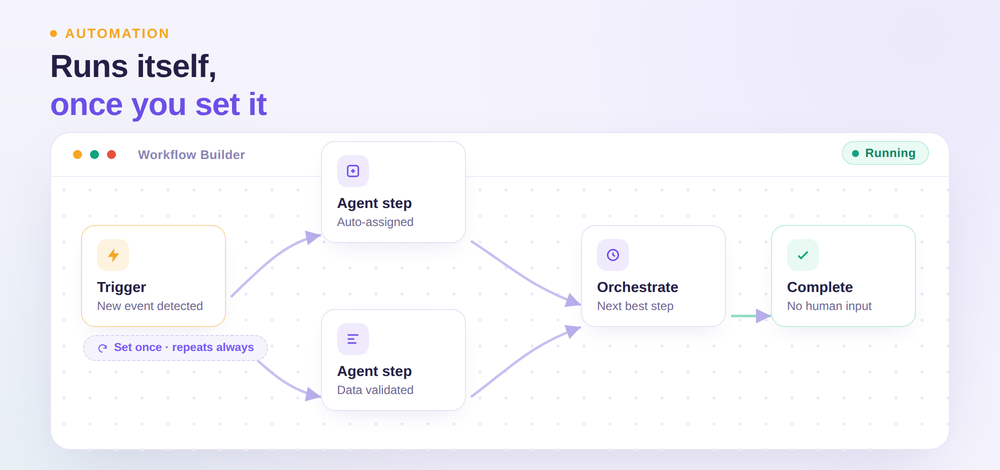
Let your agents start work on their own. Orchestrate multi-step workflows from one visual builder, with every step clear and connected. Less manual effort, fewer handoffs, faster outcomes.
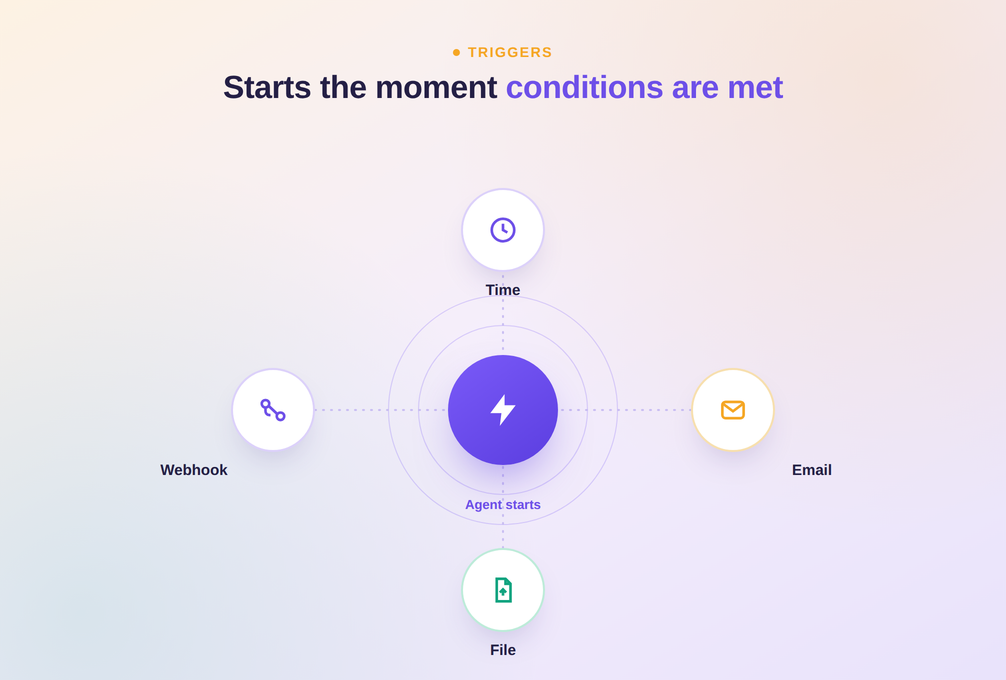
Agents launch automatically based on time, email, files, or system events, so workflows begin the moment conditions are met.
Choose the Level of Control You Need
Teams can hand off a goal and let orchestration handle the path, or design every step themselves for full precision.
Complex Processes Run as One Workflow
Multiple agents coordinate within a single workflow, turning a multi-step process into one connected sequence instead of separate manual tasks.
Trigger Agents the Moment Conditions Are Met
Four ways to start a workflow automatically, so nothing waits on someone to manually kick it off.
1. Time Trigger
Launch agents on a set schedule, so recurring work runs automatically without manual initiation.
2. Email Trigger
Start an agent the moment a specific email arrives, turning inbox activity into immediate action.
3. File Trigger
Kick off a workflow automatically when a file is added, updated, or uploaded.
4. Webhook Trigger
Trigger agents from any connected system event through a webhook, keeping workflows in sync.
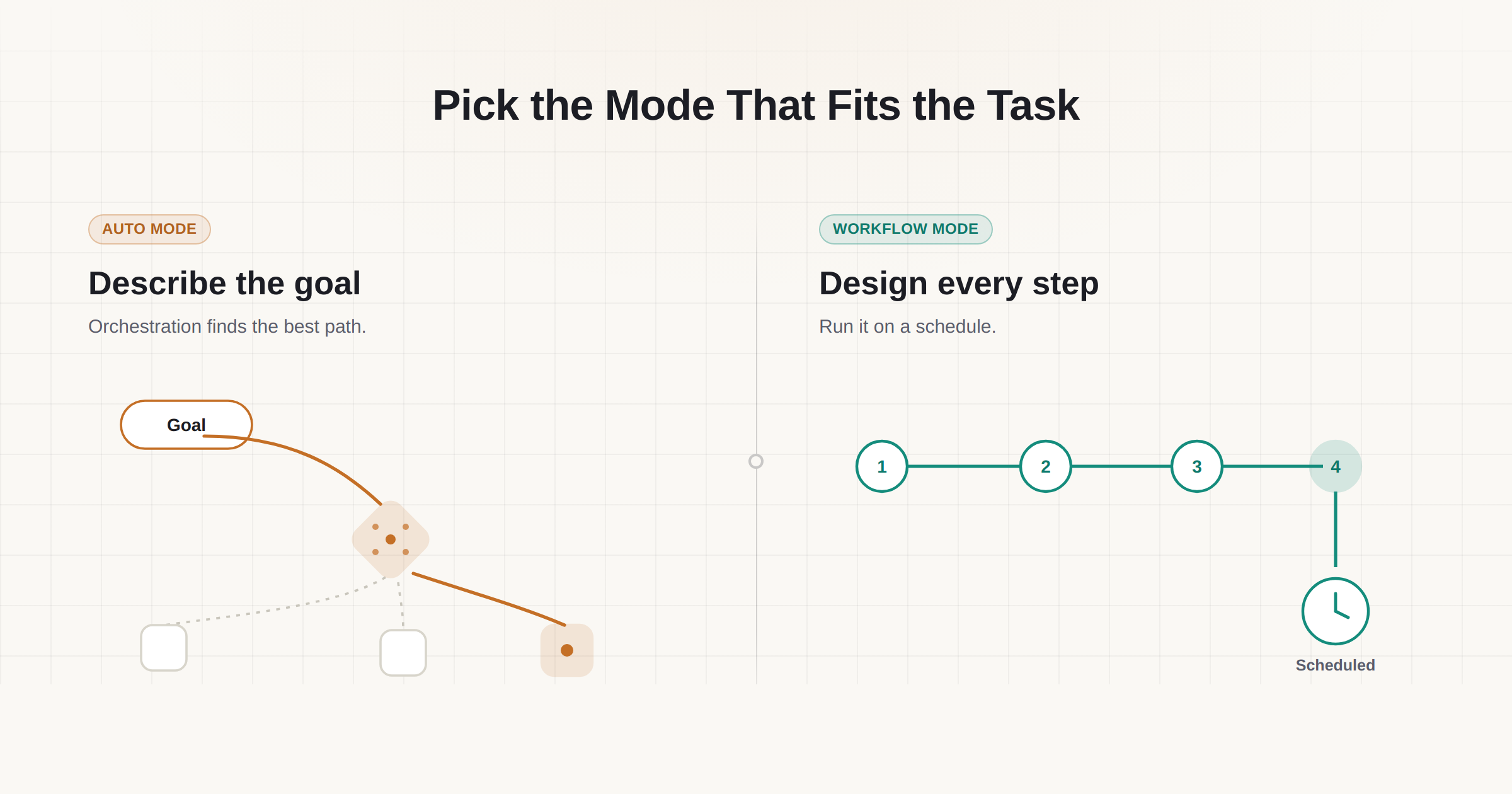
Pick the Mode That Fits the Task
Describe a goal and let orchestration handle the path, or map out every step for full control.
1. Auto Mode
Define the goal and available tools in natural language, and orchestration determines the best path.
2. Workflow Mode
Design the complete workflow step by step visually, then activate it with built-in scheduling.
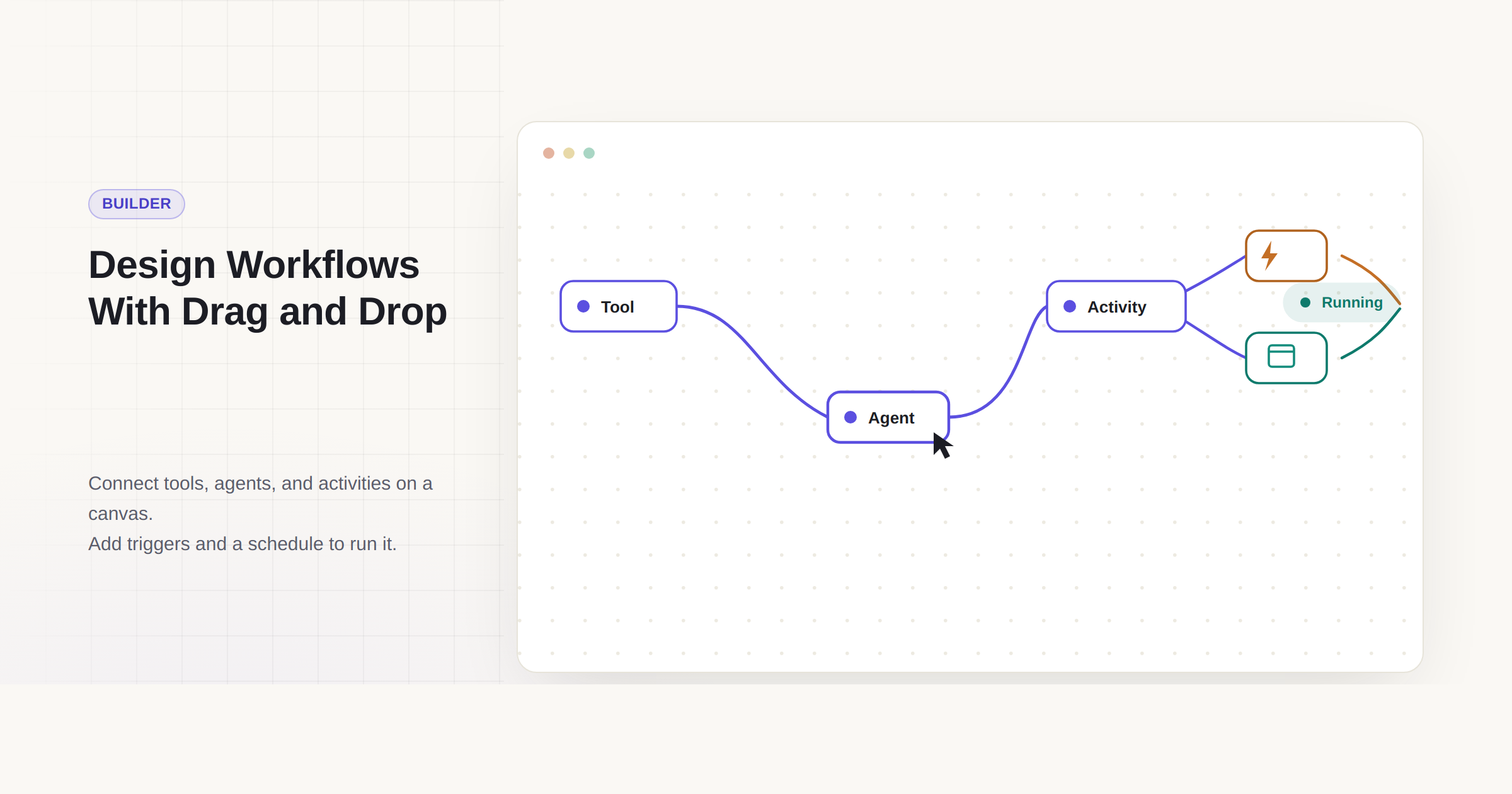
Design Workflows With a Drag and Drop Builder
Connect tools, agents, and activities on a visual canvas, then add triggers and a schedule to turn the design into a running workflow, no coding required.
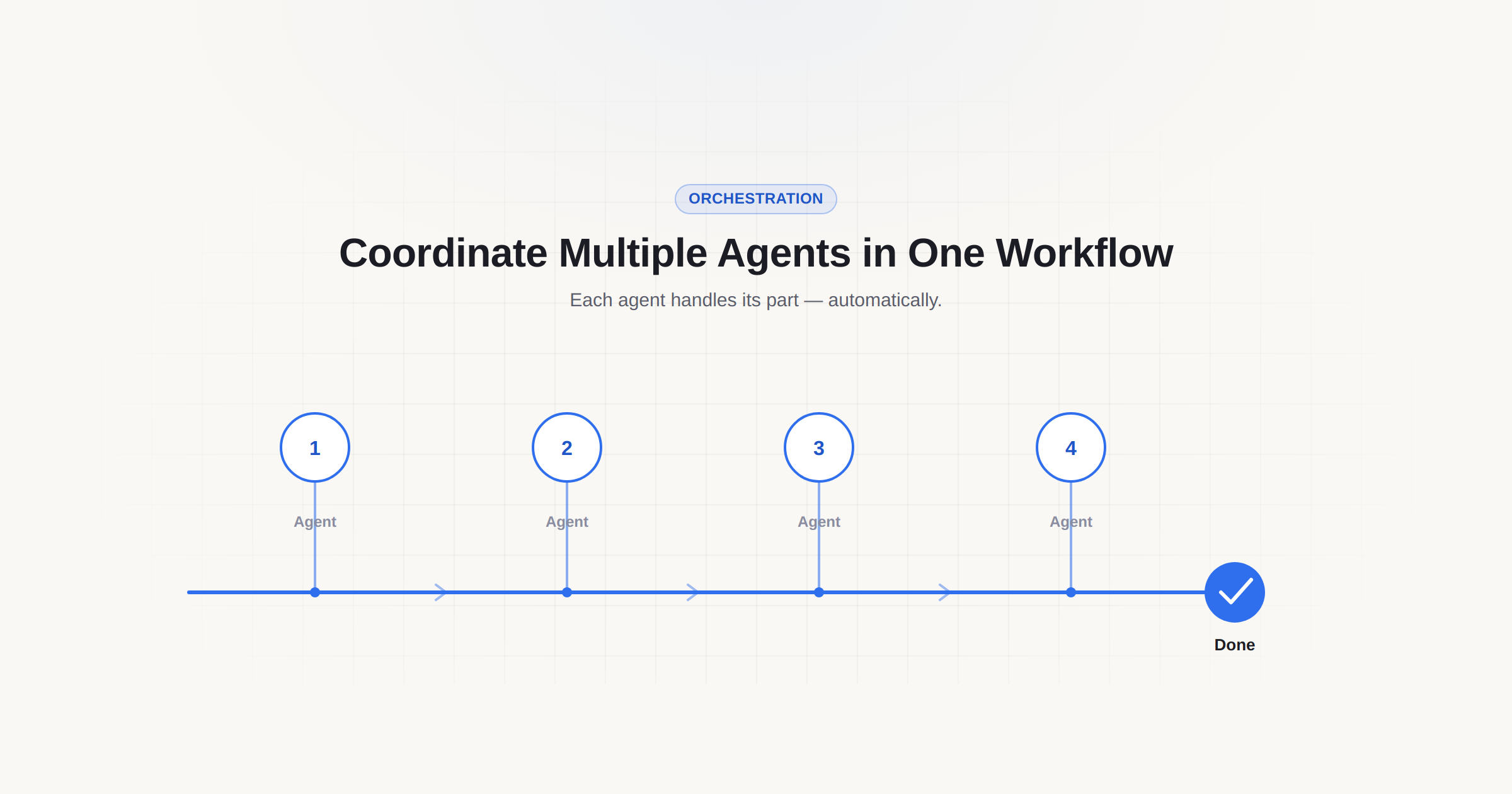
Coordinate Multiple Agents in One Workflow
Multiple agents can be added and orchestrated within a single workflow, so each agent handles its part of a larger process without manual coordination between them.
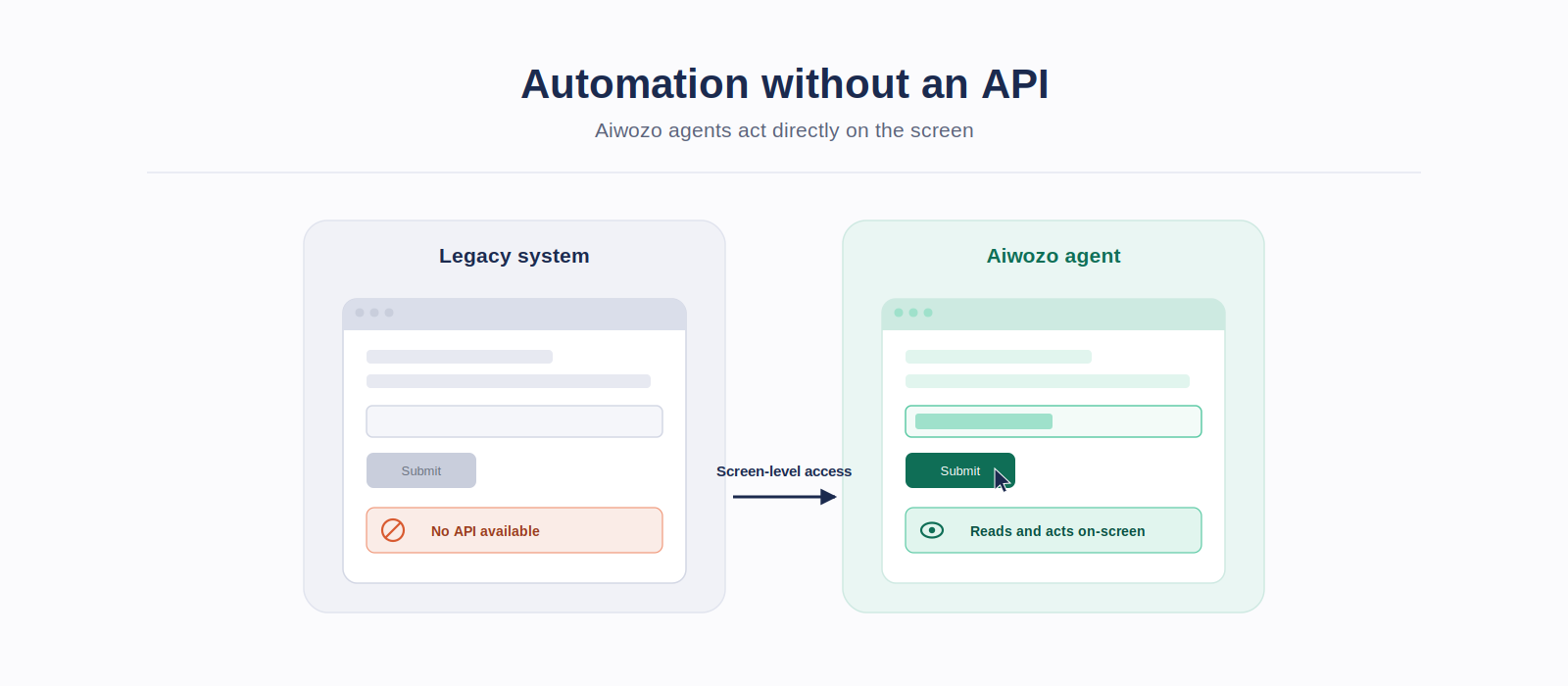
Automation Without an API
When a system has no API, most agentic platforms stop there. Aiwozo agents work at the screen level interacting with legacy systems, desktop applications, and closed platforms directly so automation isn’t limited to what’s exposed through an integration.
Like to know more on how Aiwozo can help automate your business processes?